Graphic Design Course With AI
Photoshop, Illustrator, CorelDraw, InDesign, Canva, ChatGPT, Midjourney, Firefly & AI-assisted design workflows
Choose Your Learning Mode
Whether you prefer face-to-face campus labs or live streaming from home, we've got you covered.
In-Person Practical Lab Focus
Get direct access to our high-end production workstations at the Shikohabad campus. Best for students looking for real studio experience and dedicated daily desk mentoring.
- ✔ High-End Workstation Allocation
- ✔ 1-on-1 Daily Creative Mentor Support
- ✔ Direct Peer Group Collaborations
- ✔ Hands-on lab practices during batch hours
09:00 AM - 10:00 AM
10:00 AM - 11:00 AM
02:00 AM - 03:00 AM
Interactive Live Stream Classes
Attend live interactive classes from anywhere. Perfect for working professionals or college students who want high-fidelity remote mentorship.
- ✔ Real-Time Screen Share doubt clearances
- ✔ Lifetime Access to Recorded Sessions
- ✔ Standard Slack/Discord Community support
- ✔ Virtual weekend batch availability
Key Highlights of Graphic Design Course With AI Course
Learn 6+ Industry Design Tools
Learn Photoshop, Illustrator, InDesign, CorelDRAW, Canva and modern AI design tools.
Digital & Print Media Designs
Learn to create all types of digital and print designs, from social media posts, ads and web banners to brochures, posters, packaging, magazines and more.
AI-Powered Design Skills
Use tools like Adobe Firefly, Midjourney and ChatGPT to create ideas, visuals and smarter design workflows.
100% Job Placement
Career guidance, interview preparation and job placement support, subject to eligibility and institute terms & conditions
Every Saturday Market Update Class
Special learning sessions covering the latest design trends, industry requirements, AI tools, and current market demands.
Build Your Professional Portfolio
Create real design projects and a portfolio that showcases your skills to employers and clients.
Everything You Need to Become a Graphic Designer
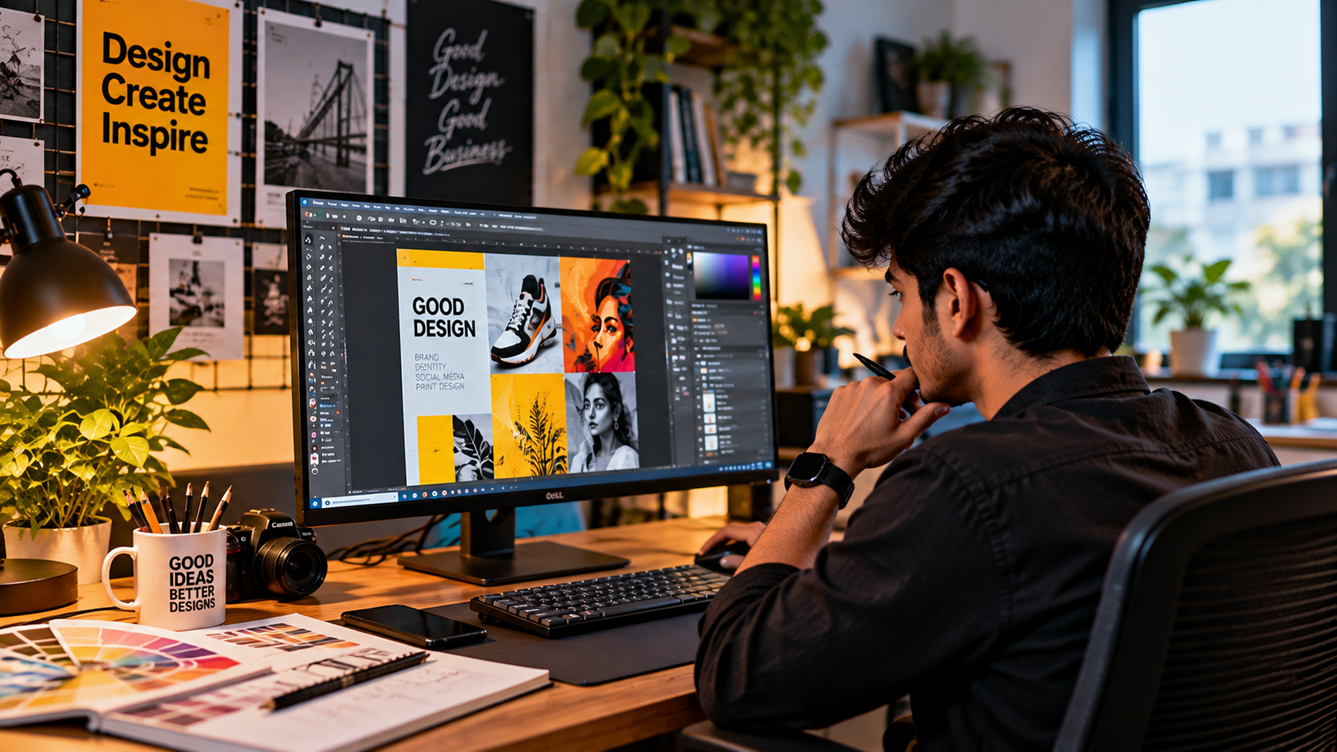
Learn industry-standard design software, modern AI tools, and essential creative skills to create stunning digital and print designs, build a professional portfolio, and prepare for real-world design careers.
Adobe Photoshop
Master photo manipulation, professional image editing, photo editing, poster design, wedding album design, ad creatives and eye-catching social media graphics.
Adobe Illustrator
Create professional logos, brand identities, vector illustrations, 2d cartoon design, 2d background, icons and scalable artwork for digital and print media.
CorelDraw
Design visiting cards, banners, packaging design, product design, leaflet design, catalogue design, flex prints, brochures, signboards and production-ready artwork for printing businesses.
InDesign
Create polished brochures, magazines, catalogues, books and multi-page layouts with professional typography and print-ready output.
Canva
Create stunning social media posts, presentations, marketing materials and branded content with easy-to-use design tools.
Adobe Firefly
Generate creative visuals, explore design concepts and transform ideas into engaging images using AI-powered tools.
Midjourney
Create distinctive artistic visuals, product concepts and imaginative campaign imagery for modern creative projects.
ChatGPT for Designers
Generate design concepts, ad copy, creative briefs and image prompts to speed up your design workflow.
Graphic Design Course With AI Course Syllabus Modules
Module 1: Graphic Design Basics
- ✦ Basic Rules of Good Design
- ✦ Choosing the Right Fonts
- ✦ Using Shapes & Lines
- ✦ Making Designs Look Attractive
- ✦ Colours & How to Use Them
- ✦ Text Size & Placement
- ✦ Images & File Types
- ✦ Digital & Print Design Sizes
- ✦ Understanding Client Needs
Module 2: Adobe Photoshop
- ✦ Photoshop Tools & Workspace
- ✦ Layers & Background Removal
- ✦ Photo Editing & Skin Retouching
- ✦ Colour Correction & Effects
- ✦ Photo Joining & Creative Designs
- ✦ AI Image Editing & Background Fill
- ✦ Posters & Social Media Ads
- ✦ Product Photo Editing & Ad Design
- ✦ Shadows, Lighting & Realistic Effects
- ✦ Exporting Designs for Web & Print
Module 3: Adobe Illustrator
- ✦ Illustrator Tools & Basic Shapes
- ✦ Illustrator Tools & Basic Shapes
- ✦ Pen Tool & Drawing Curves
- ✦ Icons & Custom Illustrations
- ✦ Colours, Gradients & Patterns
- ✦ Cartoon & Character Design
- ✦ Product Labels & Packaging Design
- ✦ AI-Powered Vector Design
- ✦ Business Cards & Print Designs
- ✦ Exporting High-Quality Vector Files
Module 4: CorelDRAW & InDesign
- ✦ CorelDRAW, InDesign Tools & Shapes
- ✦ Visiting Cards & Business Stationery
- ✦ Banners, Flex & Posters
- ✦ Brochures & Product Catalogues
- ✦ Page Layouts & Text Formatting
- ✦ Magazine, Book & Newspaper Design
- ✦ Packaging Labels & Print Artwork
- ✦ Multi-Page Document Design
- ✦ CMYK, Bleed & Print Settings
- ✦ PDF Export & Printing Preparation
Module 5: Typography, Branding & Visual Identity Design
- ✦ Font Styles & Font Pairing
- ✦ Logo Design & Brand Symbols
- ✦ Choosing Brand Colours
- ✦ Business Cards & Company Stationery
- ✦ Creating a Brand Style Guide
- ✦ Matching Designs Across Platforms
- ✦ Understanding Client Needs & Ideas
- ✦ Rebranding & Brand Makeovers
Module 6: Print Preparation & Production
- ✦ Types of Printing & Their Uses
- ✦ Image Quality: DPI & Resolution
- ✦ RGB vs. CMYK Colour Settings
- ✦ Page Size, Margins & Bleed
- ✦ Crop Marks & Cutting Settings
- ✦ Paper Types, Sizes & GSM
- ✦ Exporting Print-Ready PDF Files
- ✦ Spot Colours & Special Finishes
- ✦ Printing Cost & Material Estimation
- ✦ Checking Files Before Printing
Module 7: Social Media & Marketing Design
- ✦ Instagram, Facebook & LinkedIn Posts
- ✦ YouTube Thumbnails & Channel Banners
- ✦ Social Media Ads & Ad Banners
- ✦ Reels Covers & Carousel Posts
- ✦ Product Ads & Promotional Designs
- ✦ Website Banners & Web Ads
- ✦ Festival & Special Offer Creatives
- ✦ Email & Newsletter Designs
- ✦ AI-Powered Marketing Creatives
- ✦ Brand Colours & Design Consistency
Module 8: UI/UX & Web Design
- ✦ UI/UX Design Basics
- ✦ Website & App Screen Design
- ✦ Wireframes & Page Layouts
- ✦ Figma Tools & Components
- ✦ Landing Page Design
- ✦ Mobile & Desktop Design
- ✦ Buttons, Icons & Web Graphics
- ✦ Colours, Fonts & Design Systems
- ✦ Clickable Designs & Prototypes
- ✦ Basic Usability Testing
Module 9: Motion Graphics & AI Animation
- ✦ After Effects Basics & Animation Tools
- ✦ Animated Text & Kinetic Typography
- ✦ Logo Animation & Animated GIFs
- ✦ Motion Posts & Social Media Ads
- ✦ Shape Animation & Visual Effects
- ✦ AI Image-to-Video Creation
- ✦ AI Tools for Video & Animation
- ✦ Product Ads & Animated Promos
- ✦ Animation Timing & Smooth Movement
- ✦ Video Export for Social Platforms
Module 10: Portfolio, Freelancing & Career Preparation
- ✦ Build Your Professional Design Portfolio
- ✦ Create a Job-Ready Resume
- ✦ Behance & Online Portfolio Setup
- ✦ Prepare for Design Job Interviews
- ✦ Find Freelance Projects Online
- ✦ Talk to Clients & Understand Their Needs
- ✦ Set Design Prices & Project Costs
- ✦ Build Your LinkedIn Profile
- ✦ Complete Real-World Design Projects
- ✦ Placement Preparation
Special Topics Covered In Our Advanced Course
- ✓ Smart Design Workflow
- ✓ Logo & Brand Identity
- ✓ Advanced Typography
- ✓ Colour Psychology
- ✓ AI Image Generation
- ✓ AI Photo Editing
- ✓ AI Design Prompts
- ✓ AI Image-to-Video
- ✓ Packaging & Label Design
- ✓ Product Ad Design
- ✓ Social Media Ad Design
- ✓ YouTube Thumbnail Design
- ✓ Motion Graphics Basics
- ✓ Website & App Graphics
- ✓ Responsive Design Basics
- ✓ Print-Ready PDF
- ✓ CDR Setup
- ✓ Print Cost & Paper Selection
- ✓ Design Trends & Case Studies
- ✓ Portfolio & Client Projects
- ✓ Freelancing & Design Pricing
How Astha Compare with Alternatives
Compare features, mentoring, placement assistance, and fee support across different training methods.
| Key Feature | Self Study (YouTube) | Typical Institutes | Astha Animation |
|---|---|---|---|
| Curriculum Focus | Chaotic, fragmented tutorials | Basic software shortcuts only | Advanced production + AI workflows |
| Mentor Support | No guidance or feedback | Limited batch-hour mentors | Direct 1-on-1 daily studio desk sessions |
| Portfolio Quality | Copy-pasted tutorial files | 2-3 basic academic sheets | 10+ high-end agency standard projects |
| Placement Track | Complete freelance struggles | Resume forwarding alerts only | 100% assistance + mock panels |
| EMI & Fee Options | N/A (Free but slow progress) | Upfront full payment constraints | Zero-Interest Easy EMI installments |
100% Placement Guarantee
Backed by a Full Money-Back Policy. If you fulfill the conditions and don't get placed, you receive a 100% fee refund.
Placed Graduates Success Reviews
See where our course graduates are working and check their verified CTC package transformations.
Simran Kaur
Graphic Designer @ CreativeHub
"Astha Animation's portfolio-focused training helped me master Illustrator, Photoshop, and branding layouts efficiently."
Syllabus & Admission FAQs
Book Free Demo Class
Reserve your slot with our expert creative instructors today.
Explore Related Training Pathways
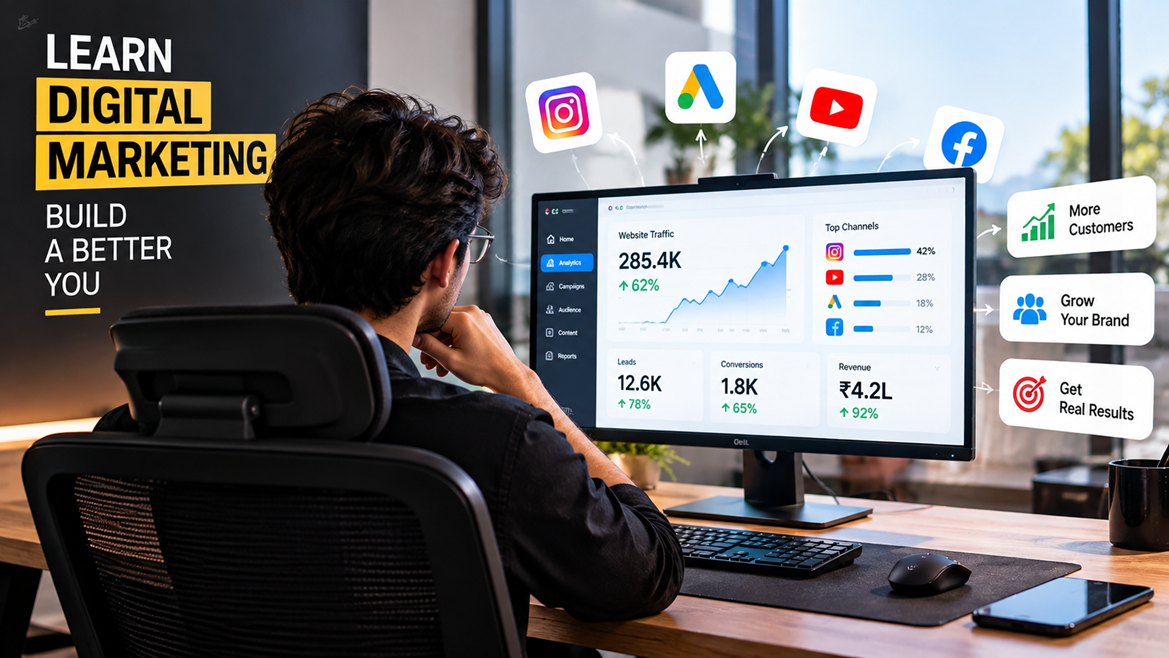
Digital Marketing Course With Ai
Learn Digital Marketing with industry-demanded skills, including SEO, Social Media Marketing, Google Ads, Meta Ads, and AI tools. Get practical training to build a successful career in today’s digital world
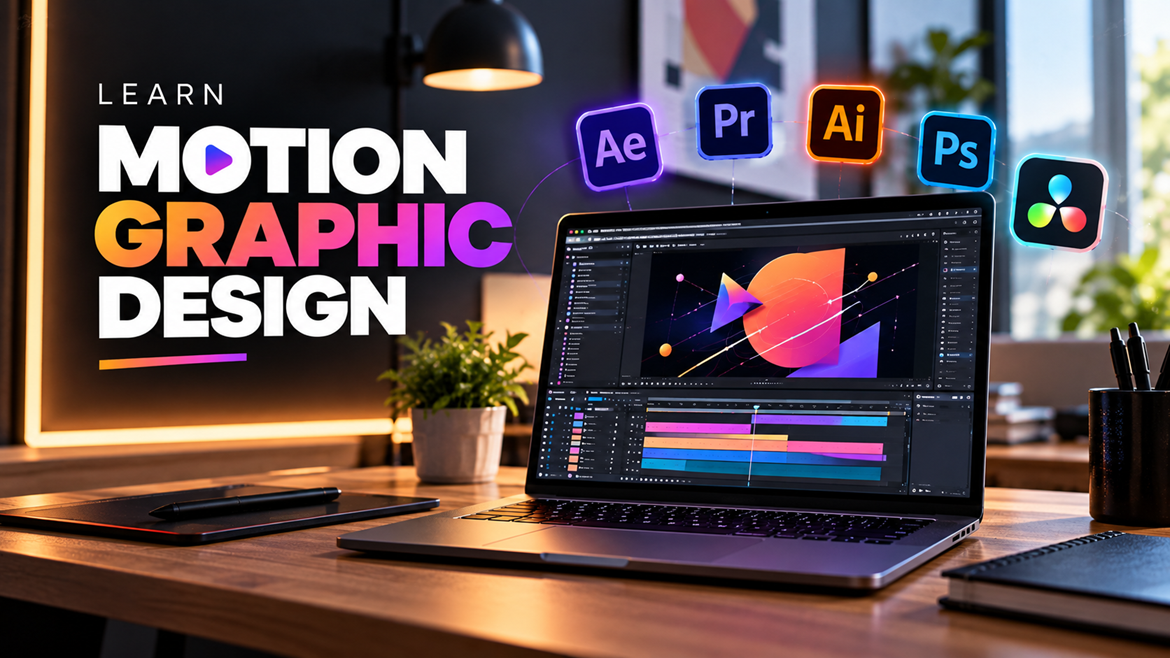
Motion Graphic Design Course With Ai
Create stunning animated graphics for brands and media.
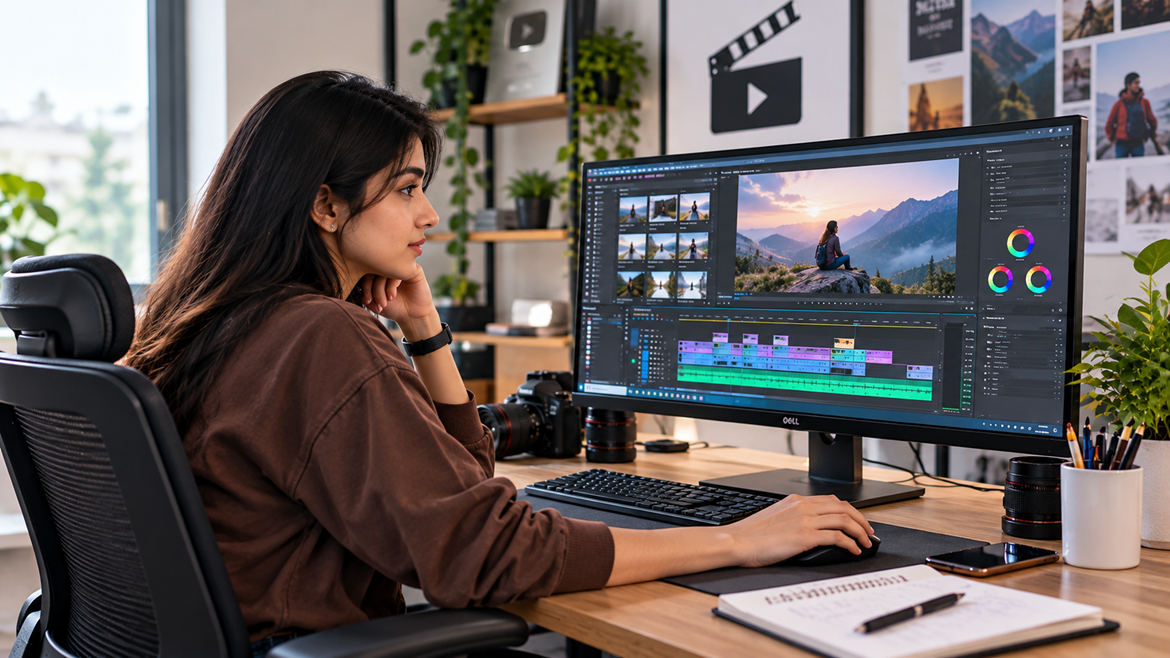
Video Editing
Master professional video editing tools and storytelling techniques.